|
Getting your Trinity Audio player ready...
|
Android 15, the latest iteration of Google’s mobile operating system, is on the horizon, promising a slew of exciting features and enhancements. As developers dive into the first previews, users eagerly await the official release, likely to roll out in October 2024.
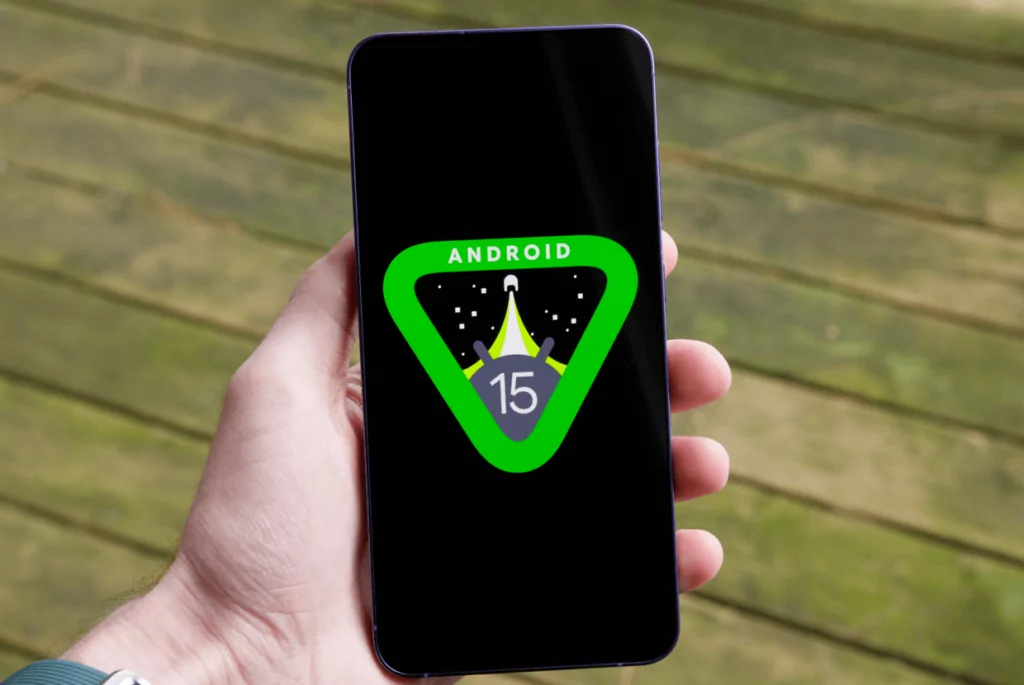
Here’s a sneak peek at the most notable features that Android 15 has in store.
1. Partial Screen Sharing
One of the standout features in Android 15 is Partial Screen Sharing. This allows users to share or record only a specific app window rather than the entire screen. This benefits those who prioritize privacy and wish to share only pertinent information during presentations or screen recordings.
2. Satellite Connectivity Support
Expanding the connectivity frontier, Android 15 integrates satellite connectivity. This ensures that devices can maintain communication even in remote areas with no cellular coverage. The UI enhancements support a consistent user experience, making it a vital feature for adventurers and emergencies.
3. Notification Cooldown
To combat the ever-increasing barrage of notifications, Android 15 introduces Notification Cooldown. This feature reduces the frequency of successive notifications from the same app, providing a more serene and less intrusive mobile experience.
4. Enhanced Camera Controls
Photography enthusiasts will appreciate the new in-app camera controls. Android 15 brings low light enhancements and advanced flash strength adjustments, offering more creative freedom and better photo quality in various lighting conditions.
5. Universal Toggle for Keyboard Vibration
Managing haptic feedback across different keyboard apps can be cumbersome. Android 15 simplifies this with a universal toggle for keyboard vibration settings, giving users consistent control over their typing experience.
6. Sensitive Notifications
Security is a major focus in Android 15, with the introduction of Sensitive Notifications. This feature ensures that one-time passwords (OTPs) and other sensitive information are protected from being accessed by malicious apps.
7. Bluetooth Pop-up Dialogue
Connecting and managing Bluetooth devices becomes more intuitive with a new Quick Settings tile. This enhancement streamlines the process of connecting and disconnecting devices, making it more user-friendly.
8. Support for Foldables and Cover Screens
Foldable devices continue to gain popularity, and Android 15 is keeping pace with enhanced support for apps on cover screens. Improvements to continuity features ensure a seamless transition and usability on foldable devices.
9. Health Connect and Virtual MIDI 2.0 Devices
For fitness enthusiasts and musicians, Android 15 offers updates to Health Connect, including new data types for health and fitness apps. Additionally, it extends support for virtual MIDI 2.0 devices, fostering creativity and connectivity in music production.
10. HDR and Loudness Controls
Media consumption gets a boost with new controls for HDR headroom and loudness. These enhancements ensure a better balance between HDR and SDR content and more consistent audio levels across different types of media.
11. Performance and Security Enhancements
Under the hood, Android 15 significantly improves performance through the Android Dynamic Performance Framework (ADPF). Security is also bolstered with features like the Privacy Sandbox and new APIs for screen record detection and file integrity.
12. Private Space
One of the most anticipated features is Private Space. This functionality allows users to create a separate, secure area on their device for personal data and apps. Private Space can be protected with additional authentication methods, ensuring that sensitive information remains inaccessible to anyone but the device owner. This is ideal for users who need to separate work from personal life or secure confidential information.
Android 15 builds upon the solid foundation of its predecessors, offering a range of features designed to enhance user experience, privacy, and device functionality. From improved connectivity options to advanced camera controls and robust security features, this update promises to deliver a richer and more seamless mobile experience.
As we await the official release, the early previews suggest that Android 15 will be a noteworthy upgrade for all Android users.
Stay tuned for more tech updates as we get closer to the official launch! Shop Google Pixels on Amazon.


